
Why Your Touchless Faucet Stopped Working (And How to Fix It Fast)
Touchless faucets are built for convenience, hygiene, and water savings. When one suddenly stops working, the issue is often much simpler than most people expect. In many cases, the first thing to check is the battery.
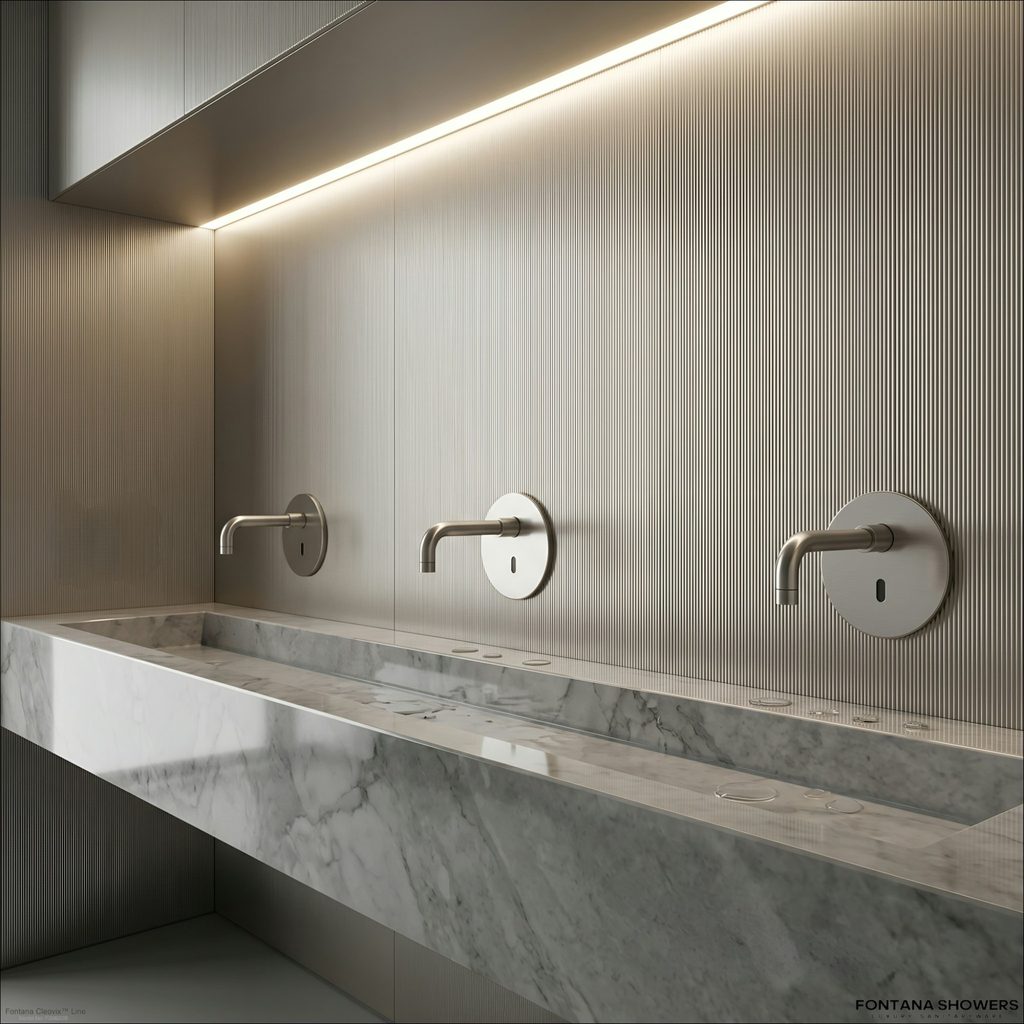
Touch Faucet Not Working? Diagnose the Problem First
When a touch faucet stops working, start with the power source, electrical connections and water supply before replacing components. If the faucet responds electronically but no water flows, the fault may be farther downstream in the solenoid, supply path or outlet.
Touch Faucet Not Working — Quick Answer
Check the batteries or power adapter first, then reseat the low-voltage connectors. If the faucet still does not respond, power-cycle the controller and inspect the touch-sensing system. If you hear the solenoid click but get no water, check the shutoff valves, supply lines, filters/aerator and solenoid water path.
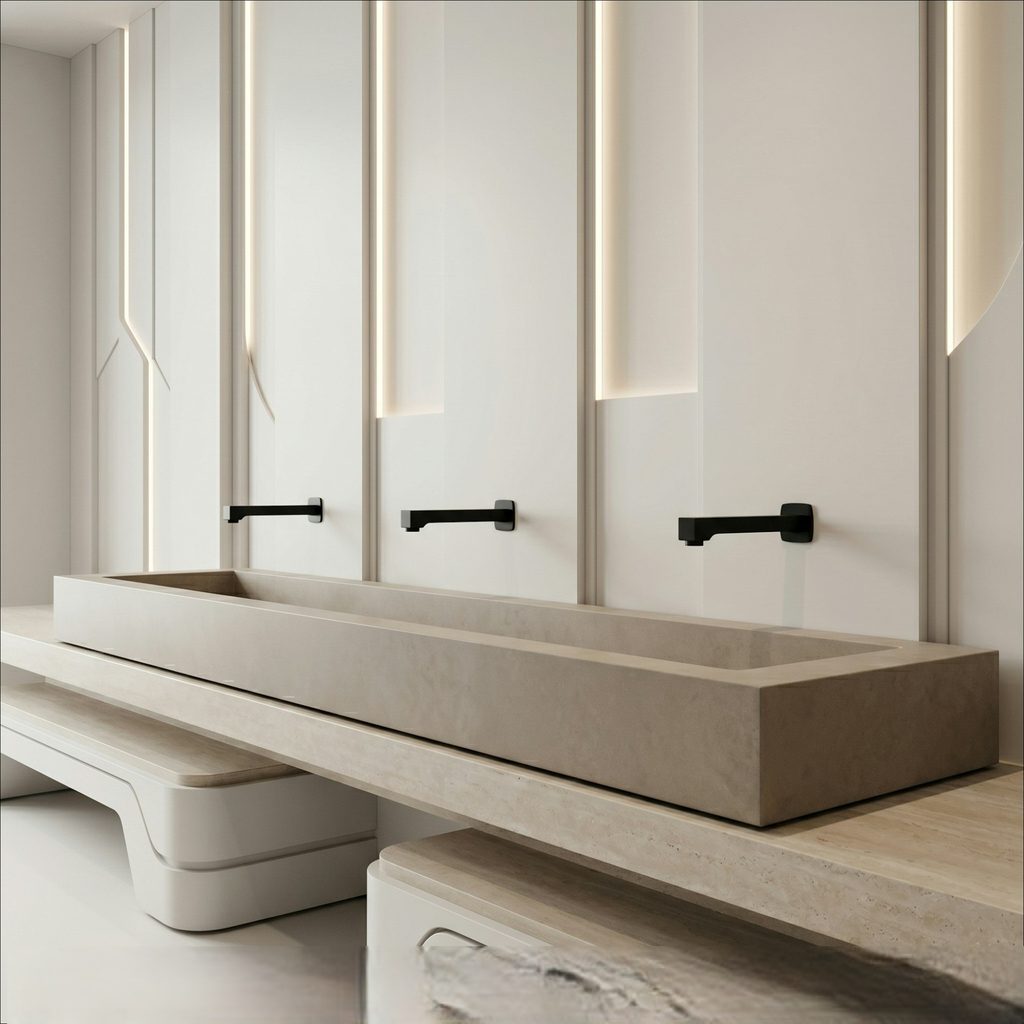
What to Check When a Touch Faucet Stops Working
Check Power
Replace batteries or verify the low-voltage power supply.
Check Connections
Inspect and reseat battery, controller and solenoid connectors.
Reset System
Disconnect power briefly and restore it according to manufacturer instructions.
Listen for Click
Solenoid response helps separate control faults from water-path faults.
Check Water
Verify shutoffs, hoses, filters, aerator and valve path.
Common Reasons Touchless Faucets Fail
- Dead or weak batteries
- Sensor blockage or dirt
- Loose wiring connections
- Solenoid valve malfunction
- Power supply issues for AC models
Read More
These problems can interrupt sensor response, reduce water flow, or stop the faucet from turning on completely. Starting with the simplest checks usually saves time.
Battery Issues: The #1 Problem
Most automatic faucets from brands like BathSelect, Moen, Kohler, and FontanaShowers use batteries to power the sensor and control system. Once battery strength drops, faucet performance can become unreliable.
- The sensor may stop detecting movement
- Water flow may become inconsistent
- LED indicators may blink
Read More
In many situations, replacing the battery is enough to restore normal operation without any further repair.
How to Fix It
- Locate the battery compartment
- Remove the old batteries
- Insert new batteries in the correct direction
- Test the faucet sensor and water flow
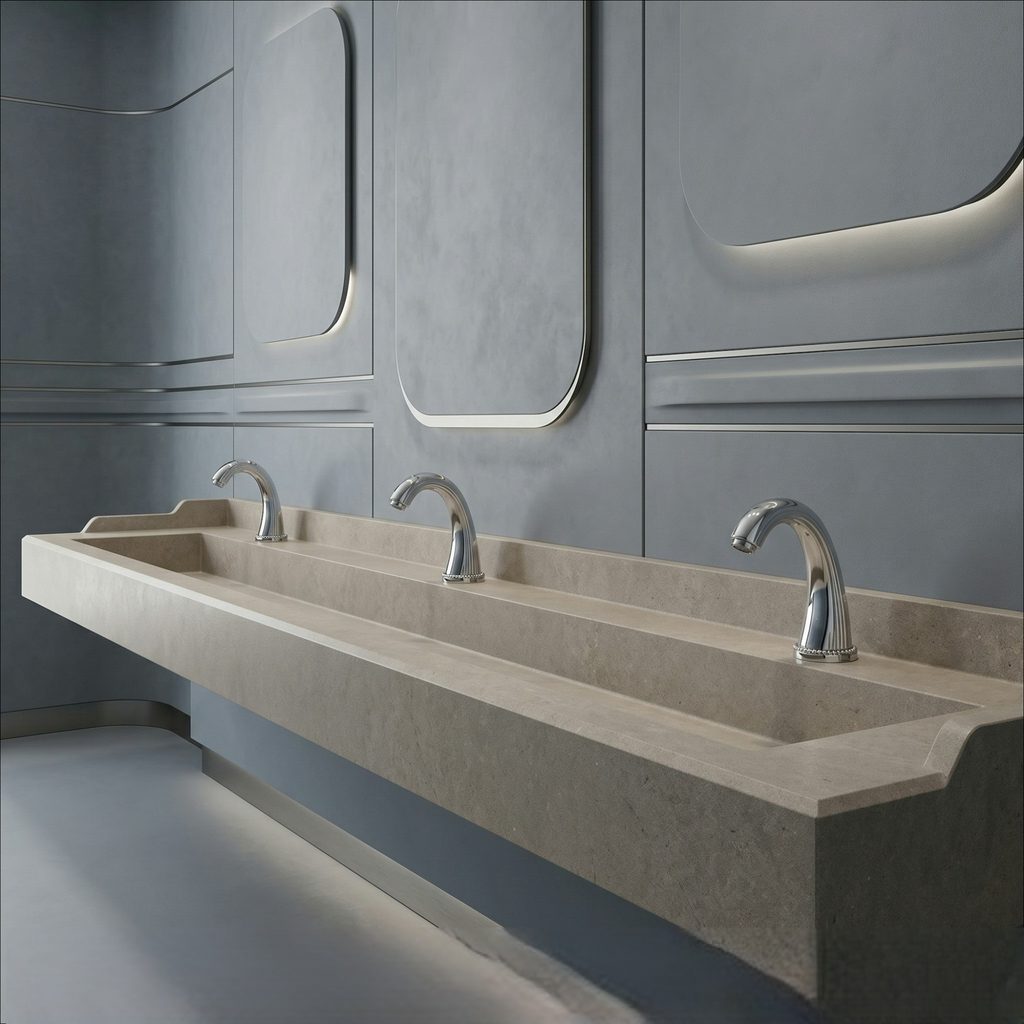
Touch Faucet Symptoms and Likely Causes
Use the symptom first. It can quickly narrow the problem to power, sensing, control electronics, the solenoid or the water path.
| Symptom | Likely Area | Check First | Next Diagnostic |
|---|---|---|---|
| Completely Dead | Power / controller | Battery pack or power adapter | Reseat connectors and power-cycle |
| Touch Does Nothing | Touch sensing / controller | Power and sensor connections | Inspect sensing conditions and controller |
| Works Intermittently | Power / sensing | Weak batteries and loose connectors | Check moisture, contact and wiring |
| Clicks but No Water | Water path / solenoid | Supply shutoff valves | Inspect filter, hose, aerator and solenoid |
| No Click | Power / control side | Battery and electrical connections | Evaluate controller and sensing circuit |
| Weak Flow | Hydraulic path | Aerator and filters | Check hoses, pressure and valve restriction |
| Turns On by Itself | Sensing interference | Wet or contacting surfaces | Clear surrounding conductive objects and reset |
| Will Not Shut Off | Solenoid / control | Power-cycle and valve response | Inspect solenoid for debris or mechanical fault |
Touch Faucet vs Touchless Faucet Troubleshooting
Touch Faucet
A touch-activated faucet commonly detects a change in the electrical or capacitive condition of the faucet body when the user touches it. Troubleshooting therefore includes power, wiring, controller, grounding/sensing conditions and the solenoid.
Touchless Faucet
A touchless faucet detects a hand without physical contact using technologies such as infrared or Time-of-Flight sensing. Troubleshooting includes power and solenoid checks plus sensor alignment, detection range and environmental interference.
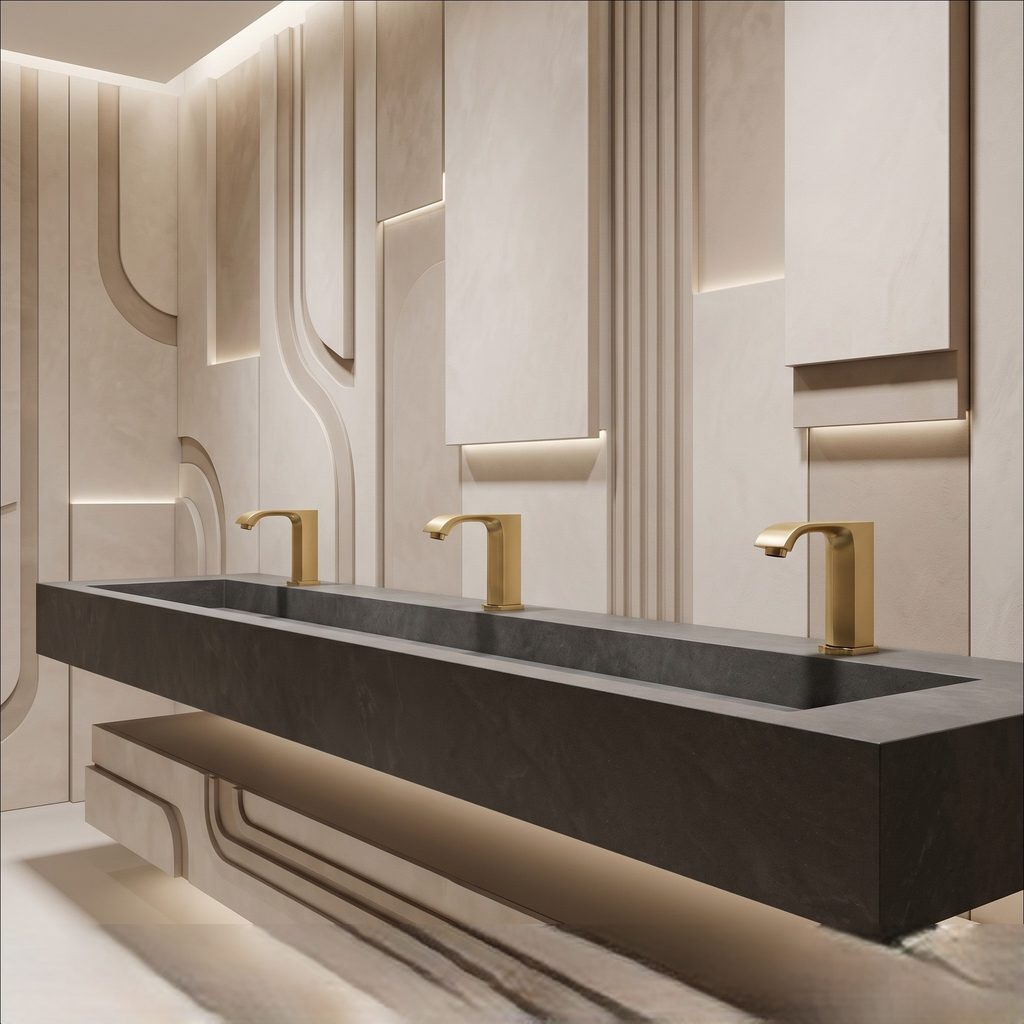
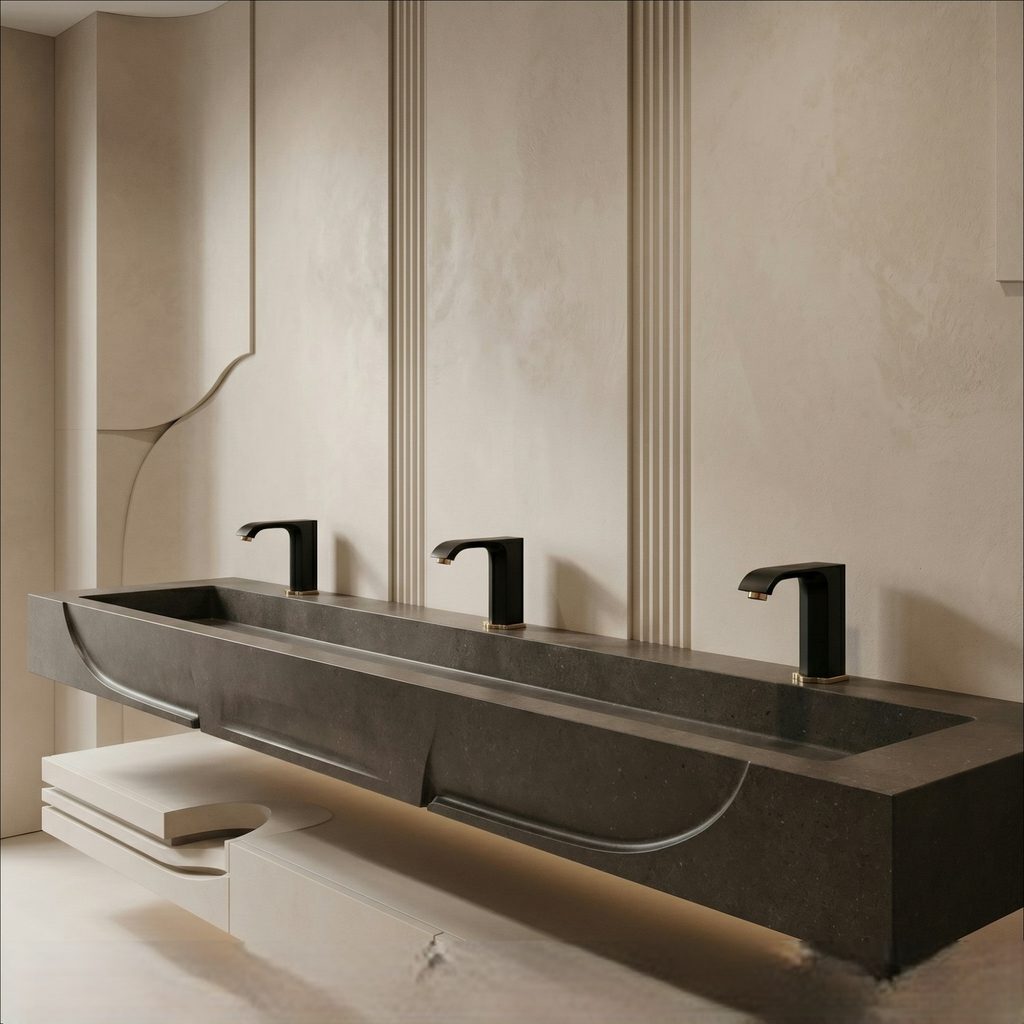
Follow the Signal From Touch to Water Flow
Diagnosing the system in sequence helps avoid replacing a working component.
Touch / Sensor Input
User input must first be detected correctly.
Controller
The control module interprets the input and commands activation.
Solenoid Valve
The electrical command actuates the valve controlling water flow.
Water Path
Supply valves, hoses, filters and outlet must remain unrestricted.
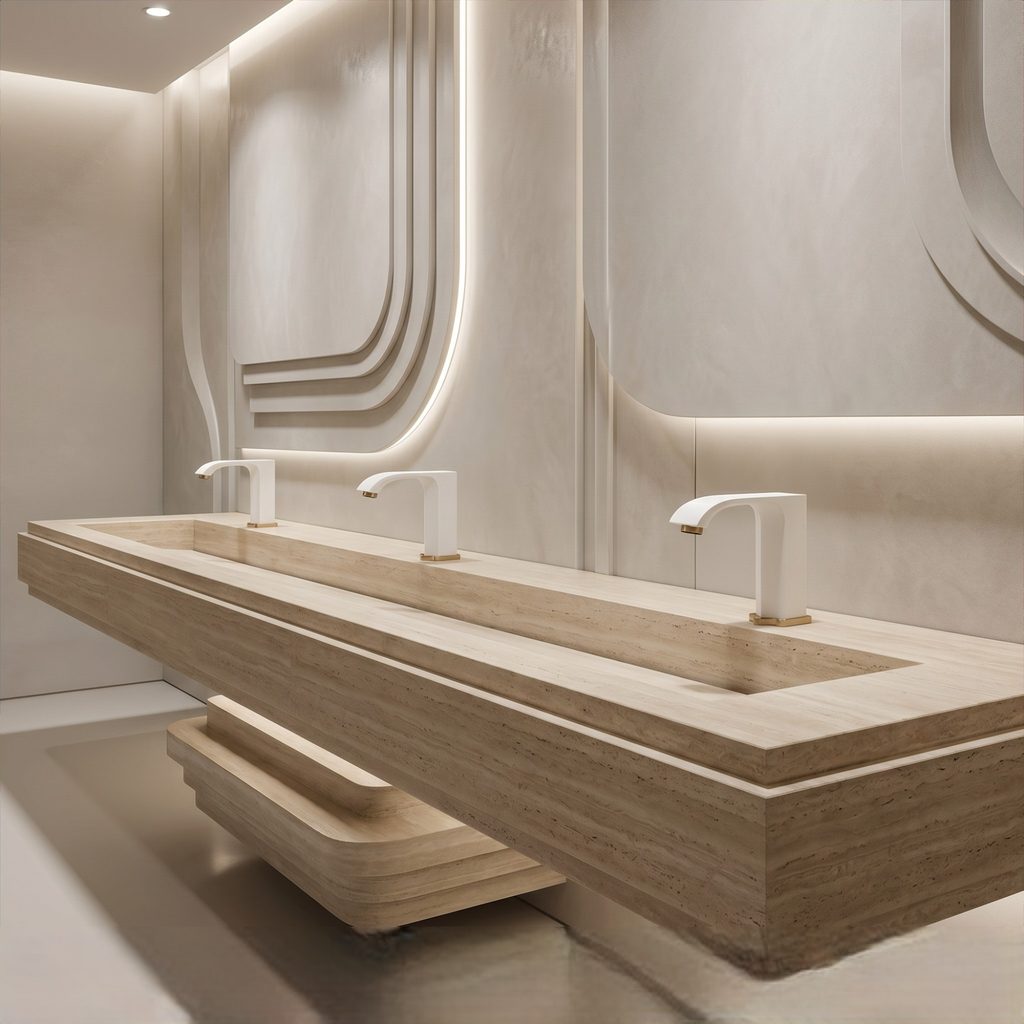
When It’s Not the Battery
If new batteries do not solve the problem, move to the next basic checks before assuming the faucet needs replacement.
- Clean the sensor window
- Confirm water pressure is normal
- Check control box wiring connections
Read More
Dirt, low power, and loose connections can all create the same symptoms. A quick visual inspection often reveals the cause.
Quick Checks Before Calling for Service
It helps to test the easy items first. Make sure nothing is blocking the sensor, the shutoff valves are fully open, and the control box is dry and securely connected.
Read More
If the faucet has worked inconsistently for a while, that is usually a sign of weakening batteries or a sensor area that needs cleaning rather than a major internal failure.
Simple Maintenance Tips
Routine maintenance helps prevent repeat problems. Wipe the sensor area regularly, keep the control box dry, and replace batteries before they are fully drained if the faucet begins responding slowly.
Read More
Small preventive steps can keep the faucet working smoothly and reduce downtime in busy bathrooms or kitchens.
When Should You Stop Troubleshooting?
Stop and use qualified service if you find damaged wiring, overheated electrical components, active leakage around electronic modules, damaged supply hoses or a shutoff valve that cannot be safely isolated. For commercial installations, document the fault and model information before replacing modules.
Touch Faucet Not Working: Common Questions
Why did my touch faucet suddenly stop working?
Start with power. Weak or dead batteries, a disconnected power supply or a loose under-sink connector can cause sudden loss of touch operation. Verify power before replacing sensors, controllers or valves.
Why does my touch faucet click but no water comes out?
A click suggests the control system is attempting to actuate the valve. Check the water shutoffs, supply hoses, inlet filters, aerator and solenoid water path for restriction or failure.
Why does my touch faucet work only sometimes?
Intermittent operation can result from weak power, loose connectors, moisture, sensing interference or a developing controller or solenoid fault. Begin with power and connections before replacing components.
Can a touch faucet be reset?
Many electronic faucets can be power-cycled by disconnecting their power source briefly and reconnecting it. Reset procedures vary, so the manufacturer’s instructions for the specific model should take priority.
Is a touch faucet the same as a touchless faucet?
No. A touch faucet requires physical contact to trigger operation. A touchless faucet detects a user’s hand without contact. Their power and valve systems may be similar, but their sensing methods and some diagnostic steps differ.
Commercial Faucet Technical References
Conclusion
Understanding how a touchless faucet works makes troubleshooting much easier. In most cases, battery replacement is still the fastest and easiest fix.
Read More
If the faucet remains unresponsive after a battery change and a basic inspection, the next likely causes are sensor contamination, wiring issues, or a faulty solenoid. Keeping the troubleshooting steps simple helps customers find the problem without unnecessary guesswork.
Commercial Sensor Faucet Field Reviews · Collection 21
Six Commercial Sensor Faucets Reviewed for High-Use Restroom Projects
Commercial Performance Overview
| Product | Configuration | Reviewer | Project Context | Review Focus | Review Strength |
|---|---|---|---|---|---|
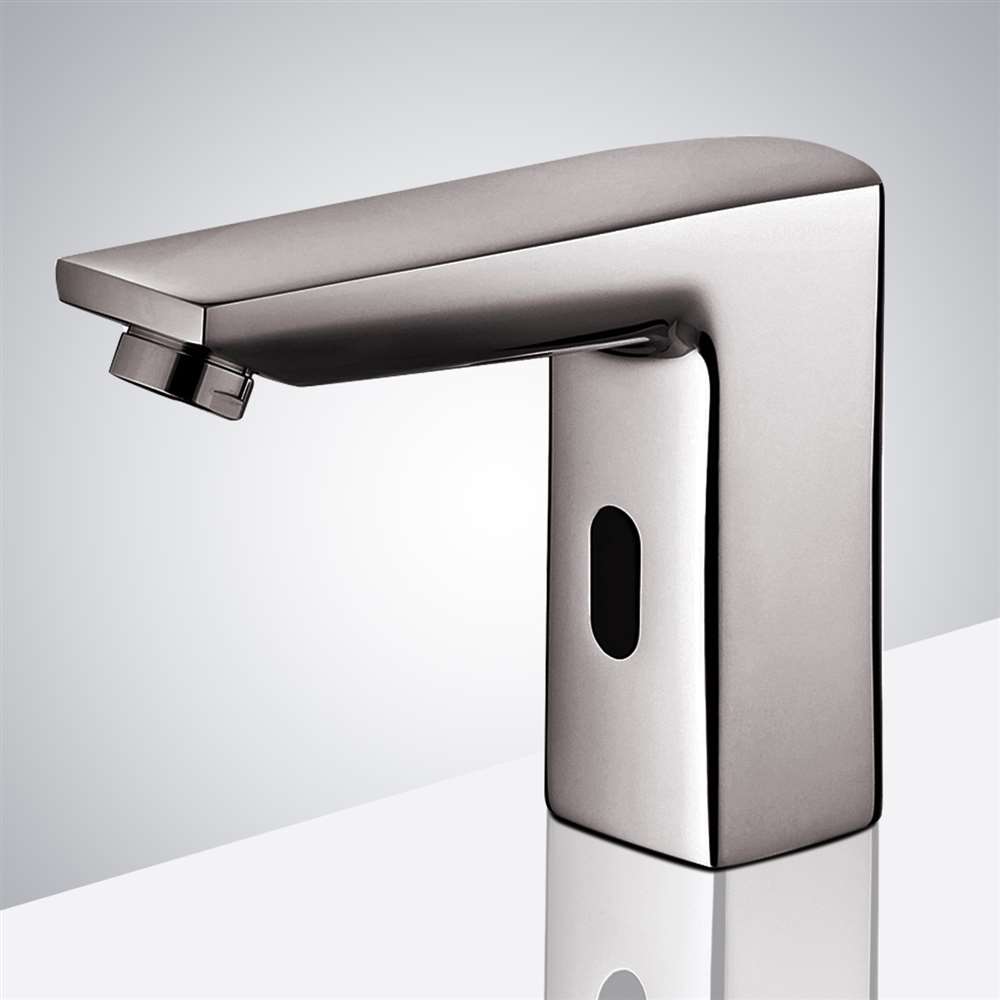
| FS98301 Fontana Reno Touchless Electronic Automatic Commercial Sensor Faucet in Brushed Nickel | Deck mount · brushed nickel · brass · single hole · hot/cold | A. Rogers, Zenith Mechanical Design Tampa, FL | Commercial restroom sensor-performance evaluation | Dual-sensor accuracy · reflective surfaces · lighting adaptation · false-activation control | 5/5 · 6 helpful March 20, 2025 |
| FS9584B Fontana Lima Commercial Automatic Sensor Sink Faucet | Single-hole deck mount · brass · automatic infrared · AC/DC capable | S. Mehta, Precision MEP Consultants New York, NY | Sustainable commercial restroom retrofit | Water conservation · timed shutoff · ambient-light stability · retrofit design | 5/5 · 8 helpful October 31, 2024 |
| FS-1084BG Fontana Commercial Brushed Gold Touchless Sensor Faucet | Deck mount · brushed gold · brass · single hole · ADA | So Architecture Sheboygan, WI | Recurring commercial plumbing and fixture installations | Long-term field use · client satisfaction · value · finish/specification fit | 5/5 · 7 helpful June 23, 2023 |
| FS2123 Fontana Polished Gold Commercial Touchless Sensor Faucet | Deck mount · polished gold · solid brass · AC/DC · adjustable sensing | S. Thompson, Metro Facility Services Seattle, WA | High-use public and commercial restroom evaluation | Aerator/solenoid control · sensing range · service access · finish durability | 5/5 · 5 helpful June 28, 2025 |
| FS1106B Fontana Commercial Automatic Wall-Mount Matte Black Sensor Faucet | Wall mount · matte black · brass · AC/DC · G1/2 connections | D. Harris, Precision MEP Consultants Chicago, IL | University restroom renovation | Wall-mount coordination · calibration consistency · sub-second response · finish durability | 5/5 · 6 helpful January 17, 2025 |
| FS1109BG Fontana Commercial Automatic Wall-Mount Brushed Gold Sensor Faucet | Wall mount · brushed gold · brass · AC/DC · ADA | Penelope Whitfield, Systems Advisor Laguna Beach, CA | Hospitality and executive-suite modernization · 14 faucets | Infrared stability · finish durability · service frequency · basin-specific calibration | 5/5 · 3 helpful May 11, 2026 |

FS98301
Fontana Reno Touchless Electronic Automatic Commercial Sensor Faucet in Brushed Nickel
“I'm thrilled with this purchase”
Why This Review Matters
- Mechanical-design reviewer
- Reflective-surface behavior evaluated
- Changing light conditions considered
- False-activation control discussed
Product Specifications
Brass single-hole deck-mount sensor faucet with hot/cold delivery, adjustable sensing, approximately 1.2 GPM flow, ceramic valve construction and automatic shutoff.
FS9584B
Fontana Lima Commercial Automatic Sensor Sink Faucet
“Satisfied”
Why This Review Matters
- MEP consultant review
- Retrofit application
- Water-conservation performance evaluated
- Strong ambient-light operation discussed
Product Specifications
Single-hole brass deck-mount faucet with automatic infrared control, commercial AC/DC power capability, service-accessible control components and approximately 1.8 GPM flow.
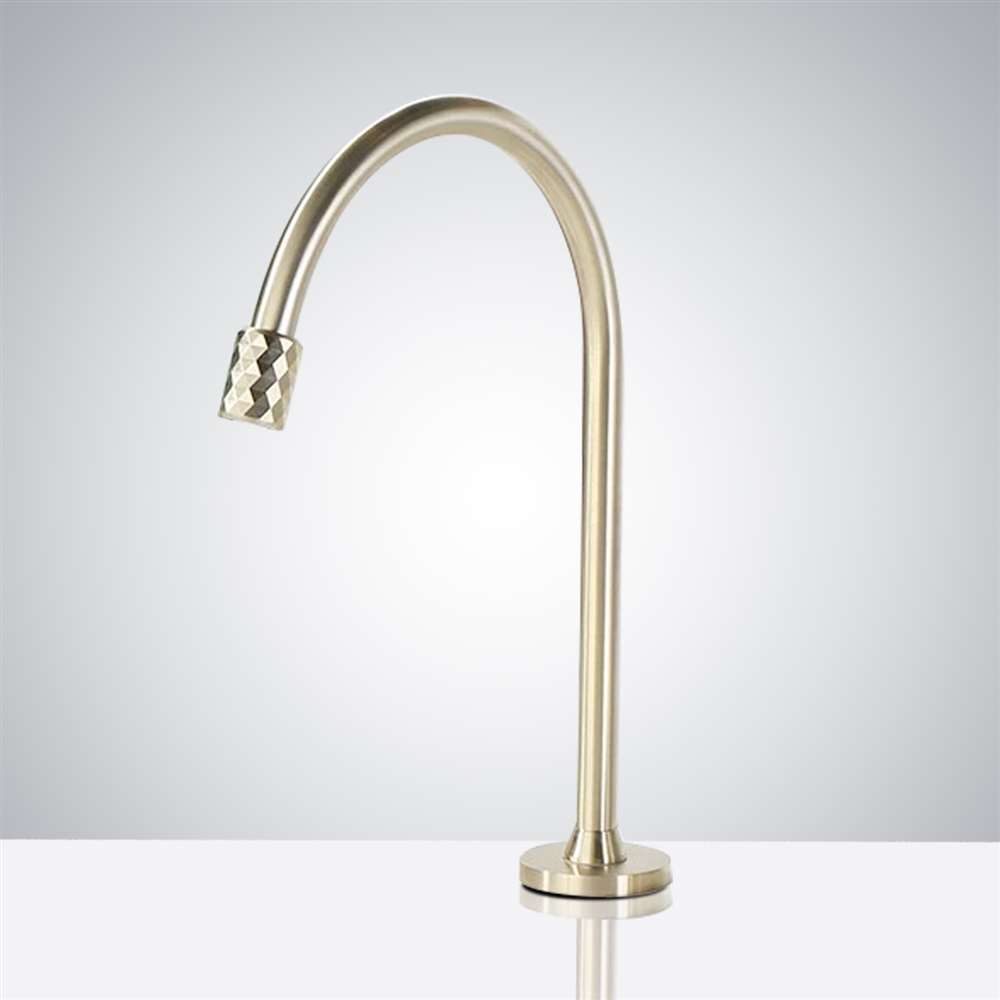
FS-1084BG
Fontana Commercial Brushed Gold Touchless Sensor Faucet
“Nice look and design”
Why This Review Matters
- Architecture reviewer
- Repeat-use fixture selection
- Client satisfaction discussed
- Commercial finish and value evaluated
Product Specifications
Brass single-hole deck-mount motion-sensor faucet in brushed gold, rated for 0.05–0.8 MPa supply pressure and commercial high-traffic applications.

FS2123
Fontana Polished Gold Commercial Touchless Sensor Faucet
“Efficient Water Control”
Why This Review Matters
- Facility-services reviewer
- Water delivery evaluated
- Service access discussed
- High-use commercial context
Product Specifications
Solid-brass polished-gold deck-mount sensor faucet with AC/DC options, 10–30 cm adjustable sensing, 0.05–0.8 MPa working pressure and ADA-oriented commercial configuration.

FS1106B
Fontana Commercial Automatic Wall-Mount Matte Black Sensor Faucet
“Reliable Wall Installation”
Why This Review Matters
- MEP consultant review
- University renovation context
- Multi-unit calibration evaluated
- Finish maintenance discussed
Product Specifications
Wall-mounted brass sensor faucet in matte black with AC/DC power, G1/2 inlet/outlet connections, ceramic valve construction and commercial public-space application.

FS1109BG
Fontana Commercial Automatic Wall-Mount Brushed Gold Sensor Faucet
“Reduced Finish Interruptions”
Why This Review Matters
- Systems-advisor review
- Fourteen-faucet installation program
- Basin-specific calibration discussed
- Service frequency and finish performance evaluated
Product Specifications
Brass wall-mounted touchless faucet in brushed gold with AC/DC power, concealed commercial installation, G1/2 inlet/outlet connections and ADA-oriented public-space use.