
Sloan Optima ETF-700 Troubleshooting Guide
A clean, field-friendly guide for diagnosing no-water activation, short or long sensor range, false triggering, low flow, and continuous running in commercial sensor faucets. The layout also explains how modern ToF sensing improves range confidence in reflective restroom environments.
Quick Diagnosis: Match the Symptom First
Sensor faucet issues are easiest to solve when the symptom is separated from the cause. Start with the visible behavior, then check power, detection range, water supply, filters, aerator, and solenoid condition in that order.
| Symptom | Likely Cause | Service Action | When to Escalate |
|---|---|---|---|
| No water when hands are presented | No power, disconnected cable, shorted sensor, control issue, closed stop, or clogged solenoid filter. | Confirm main power, transformer output, sensor and solenoid cables, then reset the electrical circuit. Open supply stops and clean the solenoid filter if the sensor appears to detect hands. | Replace the sensor, solenoid, transformer, or control module only after basic power and debris checks are complete. |
| Sensor range is too short | Detection zone is below the intended hand position, or sensitivity is set too low for the spout and basin combination. | Increase detection range gradually and test with normal hand placement. On applicable configurations, confirm the correct extended-range setting before final adjustment. | If the sensor still fails to change state, the sensor module may be damaged or misaligned. |
| Faucet activates by itself | Range is set too long, sink bowl is being detected, or bright light and reflective surfaces are interfering with the sensor. | Reduce the detection zone, inspect for sunlight or glare, and verify that chrome, glass, or glossy basin surfaces are not creating false targets. | Replace the sensor only after range and environmental conditions have been corrected. |
| Very low flow or dribble | Partially closed supply stop, debris in solenoid filter, clogged aerator/spray head, or worn solenoid components. | Open stops fully, shut off water, clean the filter, clean the aerator or spray head, and inspect solenoid operation. | Rebuild or replace the solenoid when cleaning does not restore proper flow. |
| Water keeps running or dripping | Solenoid installed backward, debris preventing closure, or damaged solenoid seat. | Check flow direction on the solenoid, clean the operator, and inspect the valve body seat. | Replace the solenoid assembly if the seat is pitted, damaged, or cannot seal reliably. |
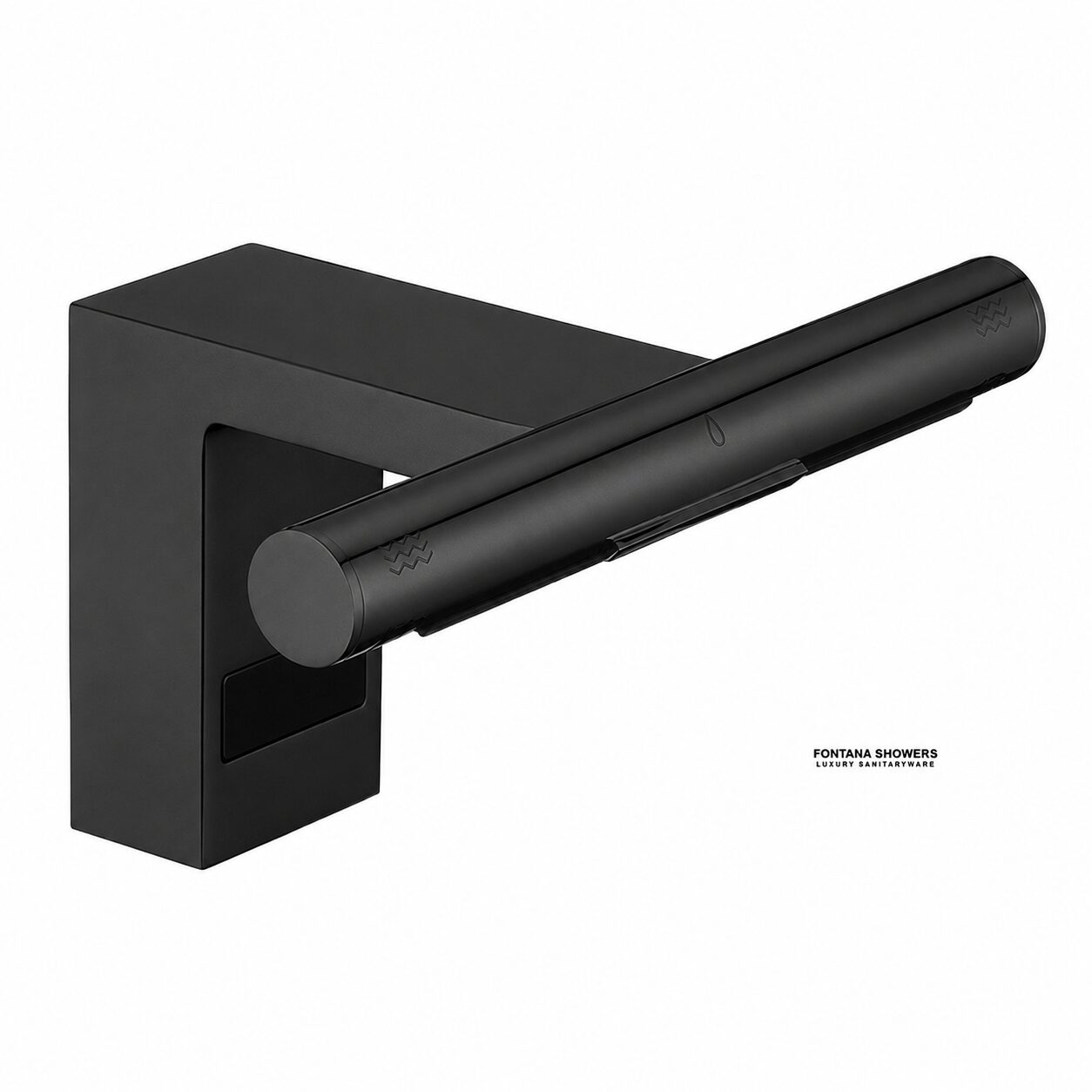
Detection Zone
Use a normal hand position under the spout while watching sensor response. Do not test from an unusual angle that would never happen during real use.
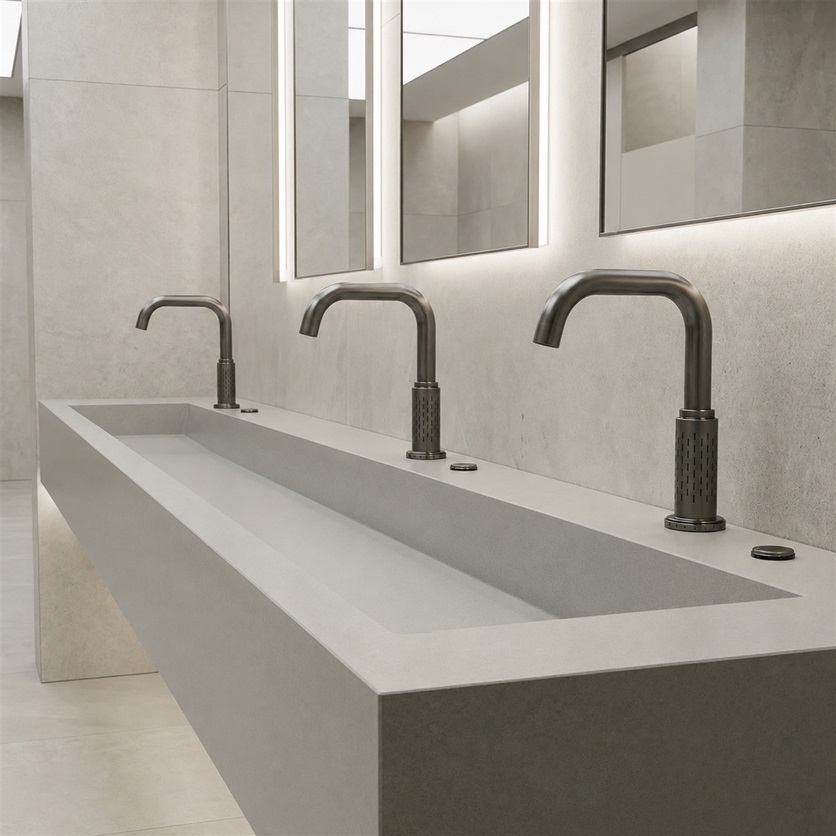
Reflective Basin Check
Highly reflective bowls, chrome surrounds, glass, and direct sunlight can increase false activations if the sensor range is set too far.
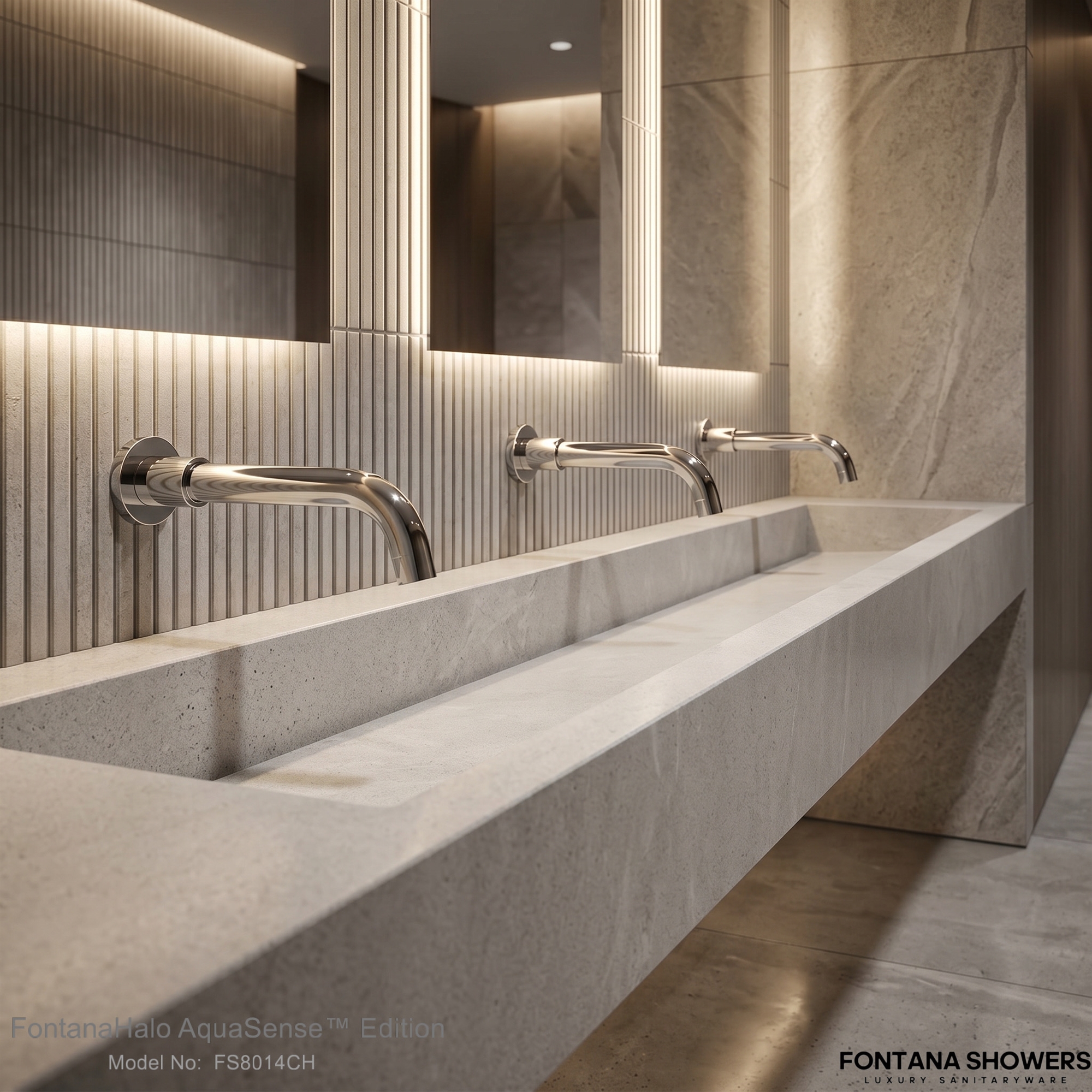
Flow Path Cleaning
Low flow is often mechanical, not electronic. Confirm stops, solenoid filter, and aerator before replacing electronic parts.
No Water When the Faucet Is Activated
Begin with the power path. For Sloan ETF-700 systems, check that the main power is on, the transformer is connected, and all sensor, solenoid, and control-module cables are seated. A power reset is a practical first step: disconnect the sensor connection, remove power briefly, then reconnect.
If the sensor appears to detect hands but no water passes, move from electronics to hydraulics. Partially closed supply stops and debris in the solenoid filter can create the same user-facing symptom as a failed electronic component.
Practical Service Order
- Confirm power is present before opening the valve path.
- Check every plug, cable, and terminal connection.
- Reset the circuit before condemning the control module.
- Open supply stops and clean the solenoid filter.
- Replace components only after power and debris checks are ruled out.
Read More: LED Clues and Component Decisions
Use this section when the faucet has power but the response pattern does not clearly identify the failed part.
When the indicator changes state
If the sensor LED changes when hands enter the detection zone, the sensor is receiving a target signal. At that point, water flow problems may be tied to the supply stop, solenoid filter, solenoid cable, or solenoid valve rather than the sensor window alone.
When the indicator does not change state
If power is present but the sensor does not react to hands, shorten the troubleshooting path: inspect the sensor face for obstruction, confirm the detection range is not too short, verify the connection, then evaluate the sensor module itself.
Sensor Range, False Triggering, and “Picking Up the Sink”
Range problems can look like opposite failures. A range that is too short causes missed hand detection. A range that is too long can make the faucet see the sink bowl, backsplash, user traffic, or a reflective surface as the intended target.
Range Too Short
Increase range in small steps. Test after each adjustment using the same hand placement a guest would use during normal washing.
Range Too Long
Reduce the detection zone if the faucet activates with no hands under the spout or reacts to the sink bowl itself.
Environmental Interference
Check sunlight, bright lighting, glossy counters, chrome trim, mirrors, glass, and highly reflective bowl finishes before replacing parts.

Read More: Why Reflective Restrooms Cause False Activations
Helpful background for architects, facility managers, and maintenance teams working in bright public restrooms.
Traditional optical sensors depend on reflected energy. When the environment is highly reflective, the sensor may receive misleading return signals from the basin, nearby chrome, glass, or sunlight. This can cause delayed response, phantom activation, or inconsistent shutoff.
Time-of-Flight sensing improves this picture by evaluating distance rather than only the amount of reflected light. That makes it easier to define a valid hand zone and reject events outside the intended activation area. Even with ToF, surface geometry, field of view, and reflectivity still matter, so careful installation and calibration remain important.
Low Flow or Slow Dribble
Low flow should be treated as a water-path issue first. If the sensor and solenoid appear to activate, the restriction is usually in the supply stop, filter, aerator, spray head, or solenoid assembly.
| Inspection Point | What to Look For | Corrective Step |
|---|---|---|
| Supply stops | Stops only partly open after service, cleaning, or shutdown. | Open fully, then test faucet flow again. |
| Solenoid filter | Scale, debris, or sediment blocking water before it reaches the valve. | Shut off water, remove the filter, clean it, reinstall, and retest. |
| Aerator or spray head | Debris trapped at the outlet, especially after plumbing work. | Remove with the proper key when required, rinse, reinstall, and verify pattern. |
| Solenoid wear | Valve clicks or energizes but still cannot deliver proper flow. | Rebuild or replace the solenoid assembly based on model and condition. |
Faucet Continues to Run
If water continues after the user leaves, disconnecting power is a useful dividing line. Water that continues even after power is removed points toward a mechanical valve problem, not a normal sensor command.
- Confirm the solenoid is installed in the correct flow direction.
- Clean debris from the solenoid operator.
- Inspect the solenoid seat for damage or pitting.
- Replace the solenoid if the seat cannot seal.
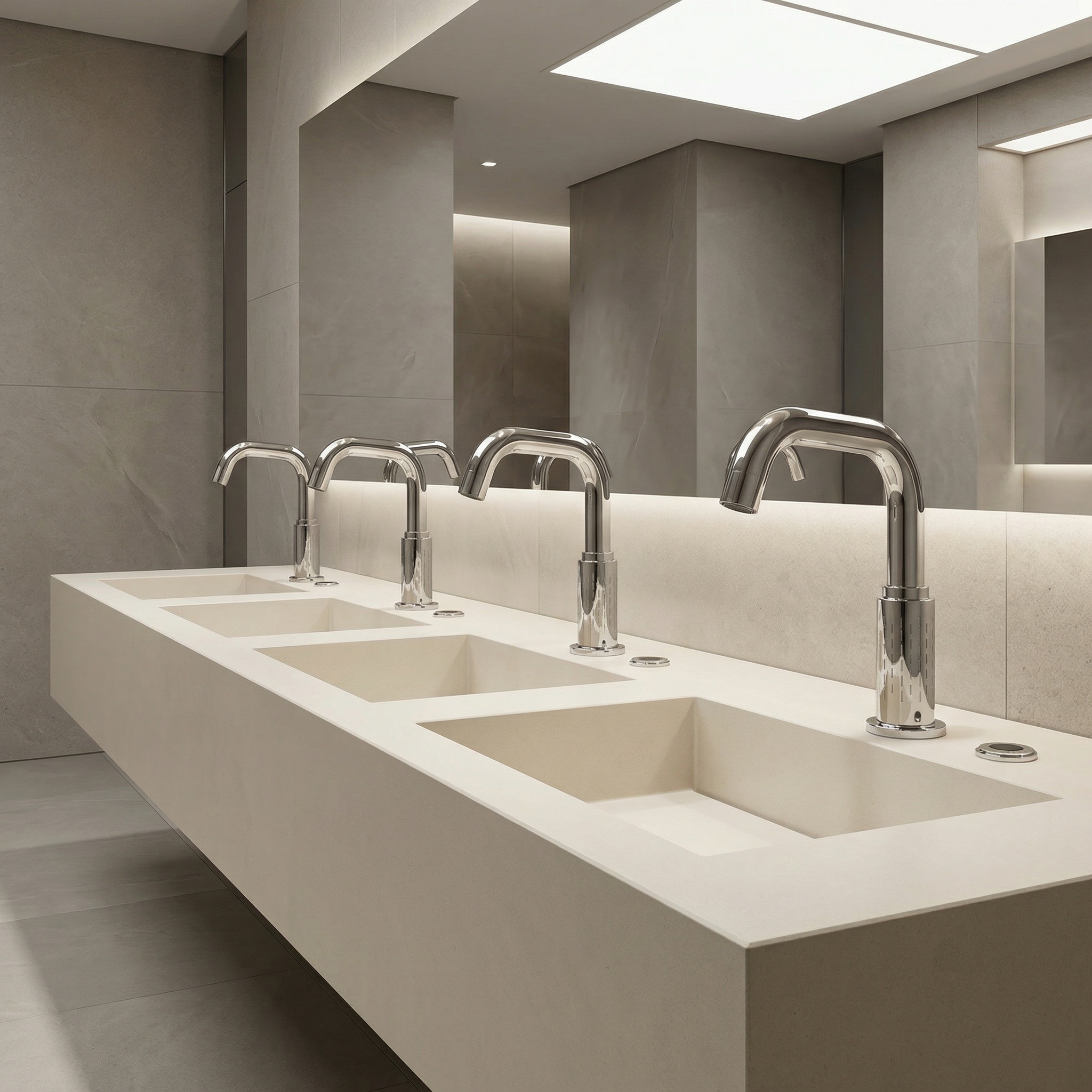
Sloan, T&S, and ToF: What the Sources Have in Common
Across sensor-faucet troubleshooting references, the same service pattern repeats: verify power, reduce excessive range, account for reflective environments, clean the water path, and inspect the solenoid before replacing major parts.
| Topic | Sloan ETF-700 Pattern | T&S Sensor Faucet Pattern | ToF Technology Context |
|---|---|---|---|
| No activation | Check power, transformer, sensor, solenoid, cable connections, and control reset. | Check battery or transformer, then look for range or sensor-module problems. | Distance-aware sensing can help distinguish valid hand presence from background objects. |
| False triggering | Reduce range and check bright lights, reflective surfaces, and sunlight. | Decrease detection zone and verify surroundings that can affect the sensor. | ToF can support stronger range gating, though geometry and reflectivity still affect sensor behavior. |
| Low flow | Open stops, clean solenoid filter, clean aerator, inspect solenoid. | Open stops, clean filter washers or solenoid filter, and clean aerator or spray head. | Sensing technology does not fix a blocked water path; mechanical maintenance is still required. |
| Continuous running | Check backward solenoid installation, debris, and valve seat damage. | Look for debris in solenoid valve or a control-module issue depending on configuration. | Better target recognition helps reduce unwanted commands, but a stuck valve remains a mechanical fault. |
Why ToF Matters for Modern Touchless Faucet Design
Time-of-Flight technology measures distance by sending light toward a target and analyzing the returning signal. In touchless faucet applications, the practical goal is simple: define a reliable hand zone near the spout while ignoring the sink, mirror, countertop, and surrounding traffic.
ToF is not a substitute for correct installation, but it gives designers a stronger foundation for range-based decisions. That can reduce nuisance activations in high-traffic restrooms where lighting, polished surfaces, and variable user behavior complicate older sensing approaches.
Distance Gating
A valid target can be limited to the expected hand area, reducing the chance that a sink bowl or background surface triggers the faucet.
Reflectance Sensitivity
Traditional optical systems can be affected by the strength and quality of returned light, especially around glossy or uneven surfaces.
Field of View
Sensor field of view influences how a device interprets reflective and complex surfaces, so the sensing geometry should match the basin design.
Video Support: Sensor Range Adjustment
For service teams who prefer a visual process, the T&S range-adjustment video is included as a supporting resource. Use it as a general reference for the concept of changing detection distance, then follow the exact manufacturer procedure for the installed faucet model.
Do not copy one brand’s component settings onto another brand’s faucet. The shared lesson is diagnostic: if a faucet sees the sink or misses hands, range calibration should be checked before parts are replaced.
Preventive Maintenance Plan for High-Traffic Restrooms
Most nuisance service calls can be reduced by keeping sensor faces clean, confirming the detection zone after restroom cleaning or remodeling, and flushing debris from the water path after plumbing work.
Monthly Checks
- Clean the sensor lens with a non-abrasive method.
- Confirm the faucet turns on only inside the hand zone.
- Check for new reflective objects near the sink.
- Verify the aerator pattern is even and not reduced.
After Plumbing Work
- Flush lines before reconnecting sensitive components.
- Inspect and clean solenoid filters.
- Check aerators for loosened debris.
- Retest detection range after panels or mirrors are installed.
Read More: Replacement Decision Guide
Use this when deciding whether to clean, rebuild, adjust, or replace a component.
Clean first
Clean filters, aerators, spray heads, and the sensor window before replacing parts. Debris and film are common after construction, water shutdowns, and heavy restroom use.
Adjust second
Range changes should be performed after the environment is stable. Confirm lighting, mirror placement, basin finish, and countertop reflectivity before finalizing sensitivity.
Replace last
Replace the sensor, control module, transformer, or solenoid only when the symptom remains after power, range, environment, and water-path checks are complete.
Verified Manuals and Technical Sources
Use these links as the reader-facing source section. The buttons are clean, readable, and avoid exposing unnecessary backend details in the main article body.
Final Field Reminder
For any commercial sensor faucet, troubleshoot in the safest sequence: shut off water or power when required, confirm the symptom, check the simplest causes first, then replace parts only after range, environment, and debris issues are ruled out.
Commercial Sensor Faucet Review Evidence · Set 09
Six More Commercial Sensor Faucets: Workbook-Backed Review Evidence
Specifier Evidence Matrix
| Product | Format / Finish | Reviewer | Professional / Project Context | Primary Field Signals | Review Strength |
|---|---|---|---|---|---|
| Fontana Antique Touchless Commercial Automatic Sensor Faucet FS-354-AQDP | Deck-mounted automatic sensor faucet Antique finish | Olivia Park Chicago, Illinois | Public-space heavy-use context | Sensor consistency; hygiene; heavy daily-use durability | 5/5 · 20 helpful August 27, 2024 |
| Fontana Antique Brass Commercial Automatic Sensor Faucet FS-354ABDP | Deck-mounted automatic sensor faucet Antique brass | James Porter Dallas, Texas | Busy office-restroom context | Sensor reliability; low maintenance; high-use suitability | 5/5 · 18 helpful August 3, 2024 |
| Fontana Antique Touchless Countertop Commercial Sensor Faucet FS-354ADP | Countertop automatic sensor faucet Antique finish | Liam Chen New York, New York | Office-renovation context | Consistent activation during busy periods; smooth operation; water saving | 5/5 · 15 helpful August 15, 2024 |
| Fontana Saline Commercial Automatic Sensor Faucet MT5029-BN | Deck-mounted automatic sensor faucet Brushed nickel | DP Architects West Chester, Pennsylvania | Architecture-practice context | Touchless hygiene; overall operating performance; specifier feedback | 5/5 · 5 helpful July 23, 2023 |
| Fontana Wella Goose Neck Commercial Automatic Touchless Sensor Faucet AUTOMATIC-SENSOR-FAUCET-FB5109 | Gooseneck deck-mounted sensor faucet Brushed nickel | Evergreen Medical Office Group Houston, Texas | Healthcare / clinical-restroom deployment | Power compatibility; sensor calibration; false-trigger control; shutoff timing; hygiene | 4/5 · 2 helpful December 4, 2025 |
| Fontana Commercial Wall Mount XT5 Automatic Touchless Sensor Faucet FSXT52 | Wall-mounted motion sensor faucet Light oil rubbed bronze | Gavin Hollowell, Infrastructure Consultant Helena, Montana | Healthcare and transportation modernization | False-trigger reduction; pressure stability; recalibration reduction; long-term reliability | 4/5 · 3 helpful February 14, 2026 |
Workbook-backed review · SKU FS-354-AQDP
Fontana Antique Touchless Commercial Automatic Sensor Faucet
Hands Free Restroom Faucet
I used this in a public space where it gets used all the time. The sensor works well and makes it easier and more hygienic for people to use. It’s held up really well even with heavy daily use.
Professional Evidence Signals
- Heavy daily public-space use
- Positive sensor-response observation
- Hygiene benefit noted directly
- Durability under repeated operation
Current Product Context
Current listing identifies infrared touchless operation, AC110–220V/DC6V power, adjustable sensing, brass construction, ADA compliance and commercial/public-restroom suitability.
Workbook-backed review · SKU FS-354ABDP
Fontana Antique Brass Commercial Automatic Sensor Faucet
AC DC Powered Faucet
We put this in a busy office restroom, and it’s been great so far. The sensor works well without acting up, and we haven’t had many maintenance issues since.
Professional Evidence Signals
- Busy office-restroom application
- Stable sensor operation
- Low maintenance burden
- Useful operations/facilities evidence
Current Product Context
Current listing identifies AC110V/DC6V power, infrared sensing, vandal-resistant brass construction, adjustable sensing range, in-line filtration, ADA compliance and commercial use.
Workbook-backed review · SKU FS-354ADP
Fontana Antique Touchless Countertop Commercial Sensor Faucet
Commercial Sensor Faucet
We used this in an office renovation, and it’s been working well. The sensor turns on consistently even during busy times, and it runs smoothly without issues. It also helps save water and fits right in with a modern restroom.
Professional Evidence Signals
- Office-renovation deployment
- Consistent busy-period activation
- Water-saving observation
- Design coordination with modern restroom
Current Product Context
Current listing identifies infrared sensor operation, AC110–220V/DC6V power, adjustable sensing, brass construction, automatic shutoff and commercial/public-facility suitability.
Workbook-backed review · SKU MT5029-BN
Fontana Saline Commercial Brushed Nickel Automatic Sensor Faucet
Simple and hygienic
Recently, weve had the satisfaction of trying out a wonderful touchless faucets, and we’re happy to say that this really far exceeded our standards. The touchless feature made handwashing simple and hygienic, and the faucet’s overall performance was outstanding.
Professional Evidence Signals
- Architecture-practice reviewer context
- Touchless hygiene benefit
- Positive overall operating assessment
- Useful qualitative specifier feedback
Current Product Context
The current product page identifies this model as a commercial brushed-nickel automatic sensor faucet and places it within FontanaShowers’ commercial touchless-faucet program.
Workbook-backed review · SKU AUTOMATIC-SENSOR-FAUCET-FB5109
Fontana Wella Goose Neck Commercial Automatic Touchless Sensor Faucet
Goose Neck Sensor Accuracy
We installed this faucet across six restrooms and contacted support prior to installation to confirm power supply compatibility. Their technical team provided clear wiring diagrams and sensor adjustment instructions. Initial calibration took a few minutes, but once configured, activation has been consistent without false triggers. After roughly five months of daily clinical use, water flow remains steady and shutoff timing is precise. Compared to the previous manual faucets, we’ve observed noticeably improved hygiene compliance and reduced water waste.
Professional Evidence Signals
- Six-restroom clinical deployment
- Power-supply compatibility review
- Calibration and false-trigger observation
- Precise shutoff timing and steady flow
- Hygiene and water-use outcomes
Current Product Context
Current documentation identifies solid-brass construction, adjustable sensor range, AC110V/DC6V power, hardwired/battery control options, 0.5–1.5 GPM aerator options and high-traffic commercial use.
Workbook-backed review · SKU FSXT52
Fontana Commercial Wall Mount XT5 Automatic Touchless Sensor Faucet — Light Oil Rubbed Bronze
Reduced Triggering Complaints
We installed 16 automatic commercial faucets across healthcare and transportation restroom modernization projects between 2022 and 2025, and by 2026 the operational consistency has remained substantially stronger than earlier touchless systems previously maintained in similar high-traffic environments. Older commercial faucets repeatedly developed false triggering near reflective sink surfaces, delayed shutoff timing during continuous public usage, and inconsistent stream interruption under fluctuating inlet-pressure conditions, whereas this faucet maintained highly dependable motion detection with steadier and more balanced water delivery throughout heavy daily operation. Previous sensor systems also required repeated recalibration because of changing restroom lighting environments and varying sink configurations, while this unit maintained noticeably stronger activation stability with fewer maintenance interruptions overall. Maintenance supervisors initially adjusted sensitivity settings on several deeper basin installations, but after installation was standardized activation-related service requests declined noticeably and the valve regulation, infrared responsiveness, and long-term operational reliability remained highly uniform across all installed facilities.
Professional Evidence Signals
- 16-faucet multi-project deployment
- Healthcare and transportation applications
- False-trigger and shutoff comparison
- Pressure-fluctuation performance
- Reduced recalibration/service demand
- Long-term sensor and valve consistency
Current Product Context
Current listing identifies wall mounting, light oil rubbed bronze finish, motion sensing, AC110–220V/DC6V power, 0.05–0.7 MPa water-pressure range and commercial restroom application.